

Microsoft PlatformMicrosoft Power Platform – Microsoft Power Apps

Upgrade your business with custom applications and automated workflows with Microsoft PowerApps

Empower your team to build solutions that work. With Microsoft Power Apps your team can capture new data and develop new processing capabilities rapidly and with extensive functionality straight out of the box. 

What does Microsoft Power Apps offer?

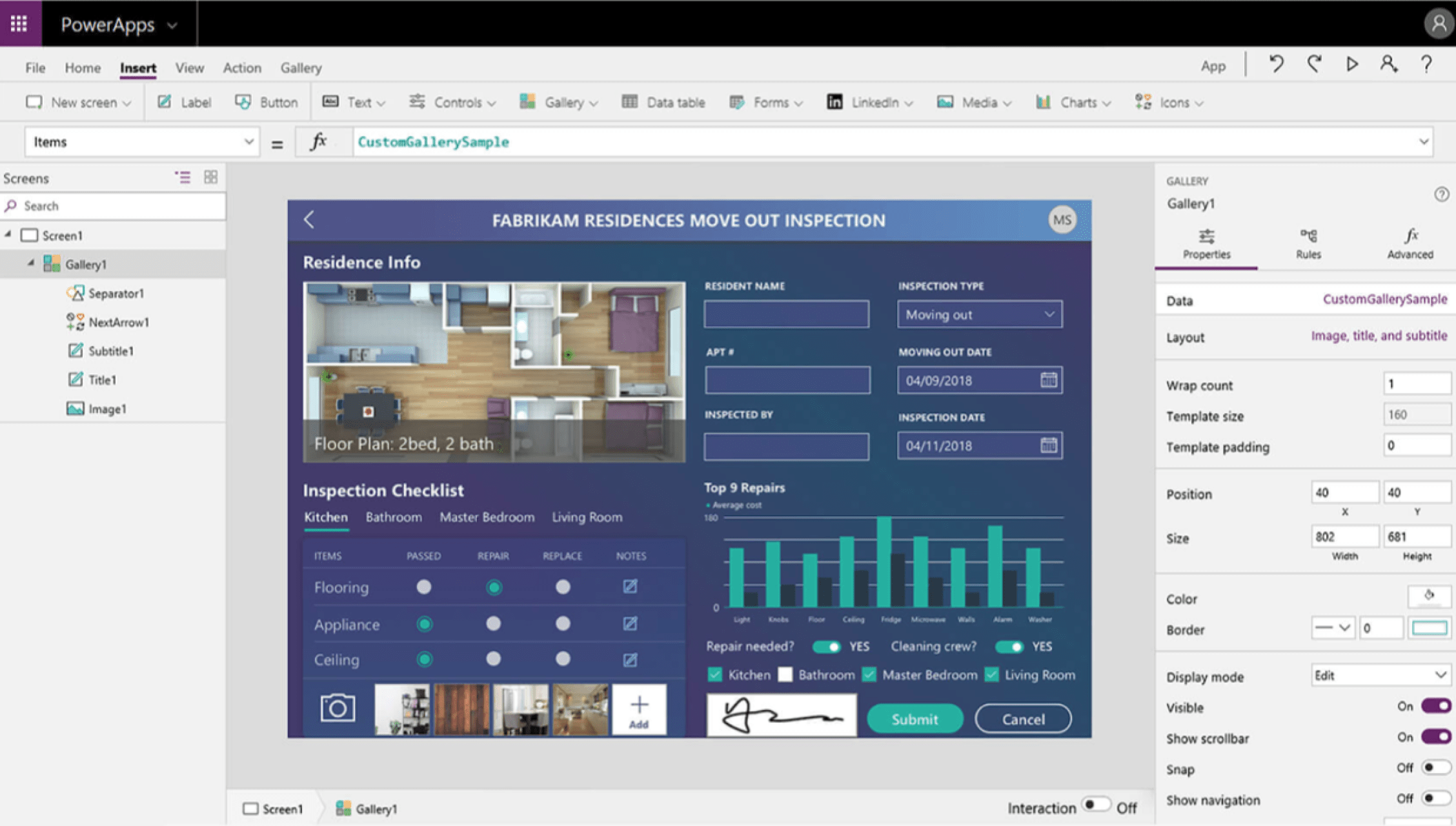
Microsoft Power Apps is a platform for building custom business applications. It is a collection of services, apps, and connectors that work together to let users quickly create business apps that are tailored to their needs. Power Apps are designed to help users create apps that can connect to business data, automate processes, and provide insights into their business. It allows users to create applications that can be accessed from a variety of devices, including smartphones, tablets, and laptops. Power Apps is particularly useful for companies that need to build custom applications quickly and without the need for expensive and time-consuming custom software development. 

What can Microsoft Power Apps allow me to do?

Create, manage, and share business applications that run on Windows and have mobile versions on iOS and Android devices.

Work with selectable templates that allow your developers to optimise processes and business transactions quickly.

Solve business problems with Power Apps applications plus workflow automation, AI, secure data access, and seamless data analysis.

What are the benefits of using Power Apps over manual or legacy systems?

Build highly functional new capabilites rapidly with lower risk and effort

Complete Control

Microsoft PowerApps gives you control over your business thanks to its admin centre. Here you can see all your listed applications and administer data policies, permissions and user control options.

Safe Data

Because all apps are built on Microsoft’s Dataverse, every app is also automatically General Data Protection Regulation (GDPR) compliant with respect to storage.

Efficent

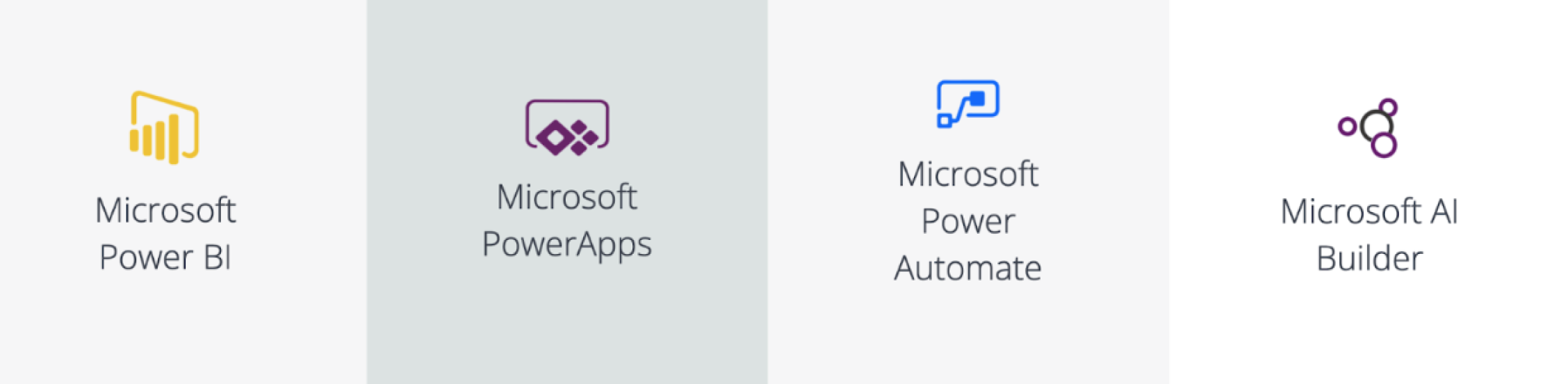
The integration of PowerApps with other Microsoft tools helps you customise and create apps that enable you to do work more efficiently.

Intuitive

It has an intuitive visual design, with drag-and-drop functionality and a familiar look and feel taken from applications like PowerPoint.

Integrations

Connections to MS SQL Server, SharePoint, OneDrive, Microsoft Office 365 productivity suite, as well as Dropbox, Google Docs, SAP, Oracle and Dynamics 365 and circa 350 more systems.

Why implement Microsoft Power Apps with TEKenable?

We are a Microsoft Gold Partner with deep expertise with Power Platform which allow us to optimize processes and business transaction flows quickly.

We take a “Business First” approach in which understanding your business needs, objectives and context comes first and the IT later.

We have proven track record of delivery into enterprise customers and are the 2021 Microsoft Business Applications Partner of the Year.

Microsoft Power Apps can help companies in the finance sector to improve efficiency, productivity, and decision making, while also enhancing security and compliance.

Read more of our case studies on Power Apps

Microsoft Power Apps Frequently Asked Questions:

What types of applications can TEKenable build using Power Apps?

TEKenable builds custom apps for data capture, approvals, operational tracking, case management and mobile workforce enablement, tailored to specific business processes. Example is replacing spreadsheets and emails with a centralised app to manage internal approvals or service requests, improving visibility and control.


When to use Power Apps instead of a standard system?

Power Apps is best used when business processes are unique or not fully supported by off‑the‑shelf systems, allowing TEKenable to deliver a flexible, fit‑for‑purpose solution quickly.


Can Power Apps integrate with a business's existing systems?

Yes. TEKenable integrates Power Apps with Dynamics 365, Business Central, Microsoft 365 and third‑party systems using connectors, APIs and Dataverse.
 

How does TEKenable approach Power Apps implementation?

TEKenable uses a discovery‑led, sprint‑based approach to design, build and refine applications iteratively, ensuring fast delivery and alignment with business requirements.
 

Can Power Apps support mobile and field‑based teams?

Yes. Power Apps enables mobile‑ready applications that allow users to capture and access data in real time from any device. Example are field teams using a mobile app to record inspections, complete checklists and upload data on site, removing paper‑based processes.
 

Can Power Apps solutions scale as my business grows?

Yes. TEKenable designs Power Apps solutions to scale and evolve, enabling organisations to expand functionality, integrations and automation over time.

What types of applications can TEKenable build using Power Apps?

TEKenable builds custom apps for data capture, approvals, operational tracking, case management and mobile workforce enablement, tailored to specific business processes. Example is replacing spreadsheets and emails with a centralised app to manage internal approvals or service requests, improving visibility and control.

When to use Power Apps instead of a standard system?

Power Apps is best used when business processes are unique or not fully supported by off‑the‑shelf systems, allowing TEKenable to deliver a flexible, fit‑for‑purpose solution quickly.

Can Power Apps integrate with a business's existing systems?

TYes. TEKenable integrates Power Apps with Dynamics 365, Business Central, Microsoft 365 and third‑party systems using connectors, APIs and Dataverse.

Can Power Apps solutions scale as my business grows?

Yes. TEKenable designs Power Apps solutions to scale and evolve, enabling organisations to expand functionality, integrations and automation over time.

How does TEKenable approach Power Apps implementation?

TEKenable uses a discovery‑led, sprint‑based approach to design, build and refine applications iteratively, ensuring fast delivery and alignment with business requirements.

Can Power Apps support mobile and field‑based teams?

Yes. Power Apps enables mobile‑ready applications that allow users to capture and access data in real time from any device. Example are field teams using a mobile app to record inspections, complete checklists and upload data on site, removing paper‑based processes.

Trusted for over 20 years

We deliver according to our values. Resilience, Heartfelt Service, Always Striving and Insatiable Curiosity.

Awards and Certifications

Reasons you can trust us.

Get in Touch with TEKenable

Search Our Website

Search for relevant content by typing in the search box below

Ready to get started?

Leave your details, choose your package and we’ll get back to you.

Get in Touch with TEKenable